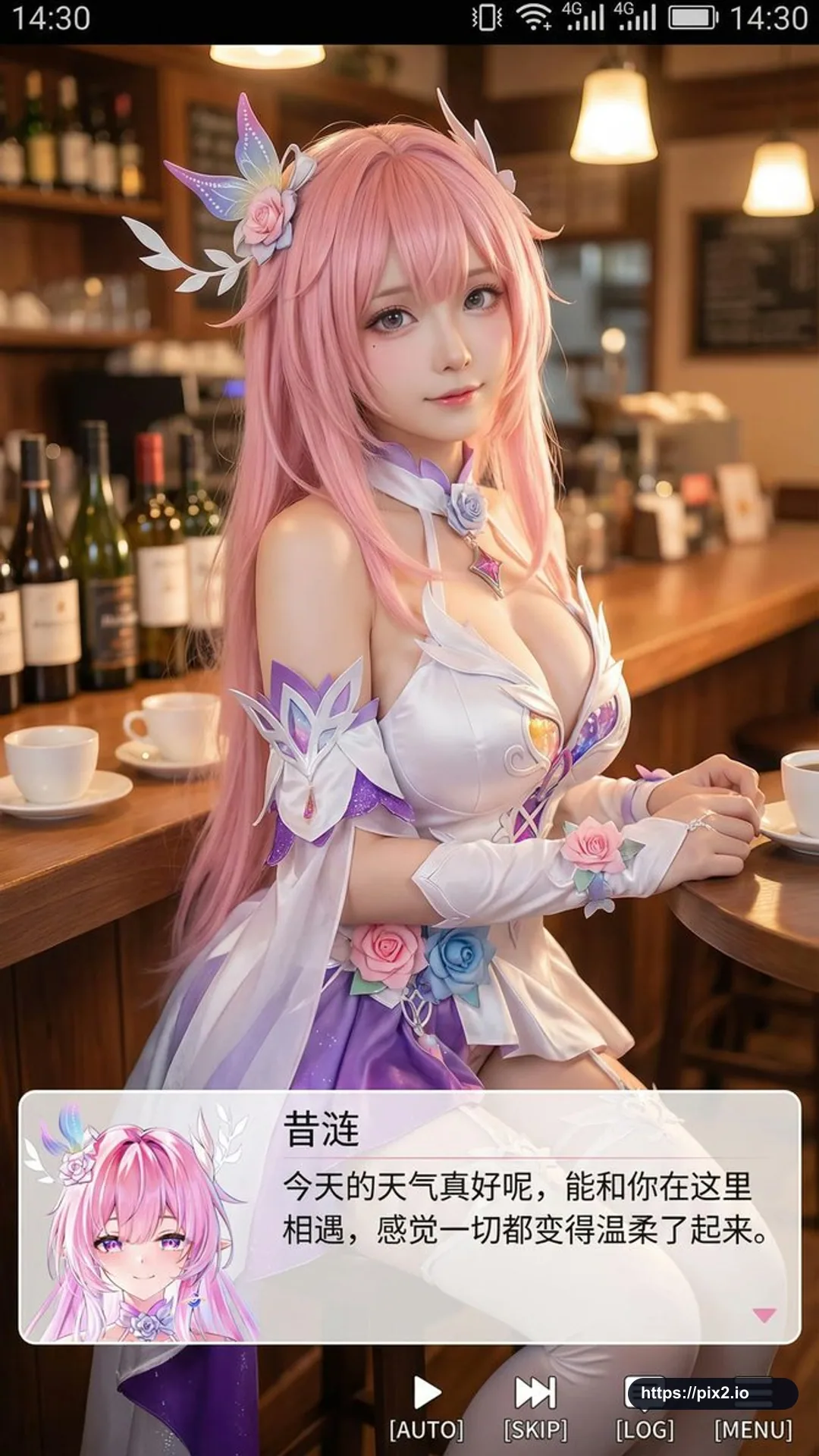
Create a vertical 9:16 smartphone screenshot-style image. In the upper center, show a real adult cosplayer portraying an original anime-inspired character named [Character Name], not an existing protected character. The person should be mostly realistic with slightly anime-influenced facial features, delicate skin, slightly larger eyes, and a gentle expression looking toward the camera. Place the cosplayer in a cozy indoor leisure setting such as a cafe or bar counter, with props that match the scene and soft warm lighting. Add a phone system status bar at the very top, including time, battery, signal, and network icons, so the whole image reads as a phone screenshot. At the bottom, overlay a wide translucent galgame-style dialogue box. On the left side of the dialogue box, place a matching anime or chibi avatar for the same original character. On the right side, typeset the character name [Character Name] in larger text on the first line, then one or two lines of gentle healing-style Simplified Chinese dialogue that fits the character. Below the dialogue box, add a small galgame operation bar with buttons such as AUTO, SKIP, LOG, and MENU. Keep the image high-definition, richly detailed, softly lit, and naturally blended between live-action portrait photography and anime UI design. Avoid real franchise names, existing character likenesses, real logos, or copyrighted character designs.

 9:16 ・ 4K