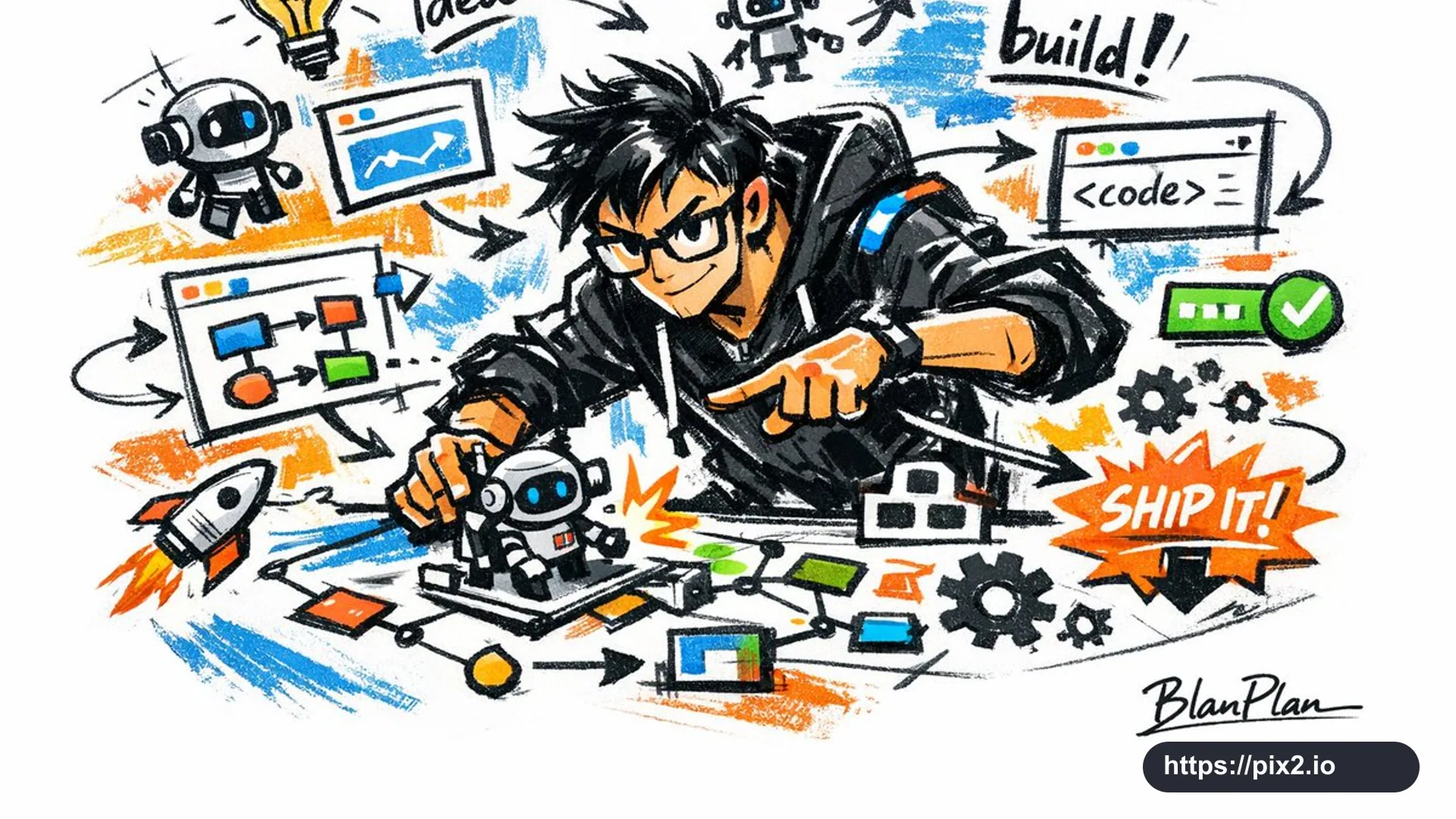
Illustrate a powerful AI builder in a doodle sketch style. The whole image should feel quickly outlined, freely distorted, improvised, hand-drawn, and draft-like. Lines may be casual, exaggerated, uneven in thickness, and slightly messy, but they should still have rhythm and expressive force. Emphasize simplification, exaggeration, humor, spontaneity, and design energy rather than strict realism or delicate rendering.
Use rough color blocks with an obvious dry-brush feel. Keep uneven smears, brush marks, broken white gaps, and overpainted areas where appropriate. Let the colors adapt to the AI builder subject, but keep the expression doodle-like, sketch-like, and summarized. Do not use transparent watercolor blooms, delicate watercolor gradients, paper texture, soft haze, or dreamy atmosphere.
Keep the background mostly white space, simple, relaxed, intentionally unfinished, and design-forward. Add a small amount of supporting symbols such as arrows, marks, circled notes, repeated lines, casual handwritten words, robots, code windows, flowcharts, gears, rockets, idea bulbs, charts, product-building symbols, or other doodle elements to strengthen the sketchbook / casual-note visual language. Do not make the page overcrowded or damage the main subject and open-space feeling.
Let the AI builder concept automatically generate the most fitting main character, action, related elements, symbols, or simplified scene. The overall image must stay unified in doodle sketch style with exaggerated and summarized expression, avoiding complex realistic backgrounds and overbuilt storytelling.
Naturally include the signature “BlanPlan” as part of the image. Place it discreetly but clearly, such as in the lower left, lower right, or near the title area. Match it to the overall layout like an artwork signature or design mark. The signature should be refined, restrained, premium, not too large, and should not disrupt the composition or feel cheap. Output aspect ratio: 16:9.

 16:9 ・ 4K