Create a 9:16 vertical professional high-resolution paint-by-numbers template from the uploaded image as a single PNG. Use an A4 portrait ratio canvas at 300 DPI with a pure white background. The main artwork must be a clean black-and-white line drawing containing only black outlines, black numbers, and white unfilled paintable areas. Do not create a PDF, document, mockup, multi-page layout, or colored version. Do not use color, gray, shading, texture, gradients, transparency, or pre-filled areas in the main artwork. Analyze the original image and choose the number of colors adaptively based on complexity, from 1 to a maximum of 14 colors: 1–2 colors for very simple images, 3–6 for simple images, 7–10 for medium complexity, and 11–14 for complex photographic images. Assign each selected color one unique number and merge similar shades unless separation is essential for recognition. Convert the image into simplified, fully closed, easy-to-paint regions while preserving the recognizable composition, main objects, characters, text, logos, foreground, background, and key details. Every paintable white region must contain the correct black number, centered clearly, readable, upright, and not touching outlines. Dark areas from the original must remain white paintable regions with the correct number, not filled black. Only tiny permanent black line details such as mouth lines, nostrils, pupils, eyelashes, seams, or small decorative strokes may remain unnumbered. At the bottom of the same PNG, add a neat legend section with heading “Instructions”, the sentence “Paint the areas with the matching colors.”, and every used number with a small color swatch and English color name. Color swatches may appear only in the legend. Ensure numbering exactly matches the legend, every paintable area is numbered, all regions are closed, and the final result is clean, professional, print-ready, and recognizable as the original image.
 9:16
9:16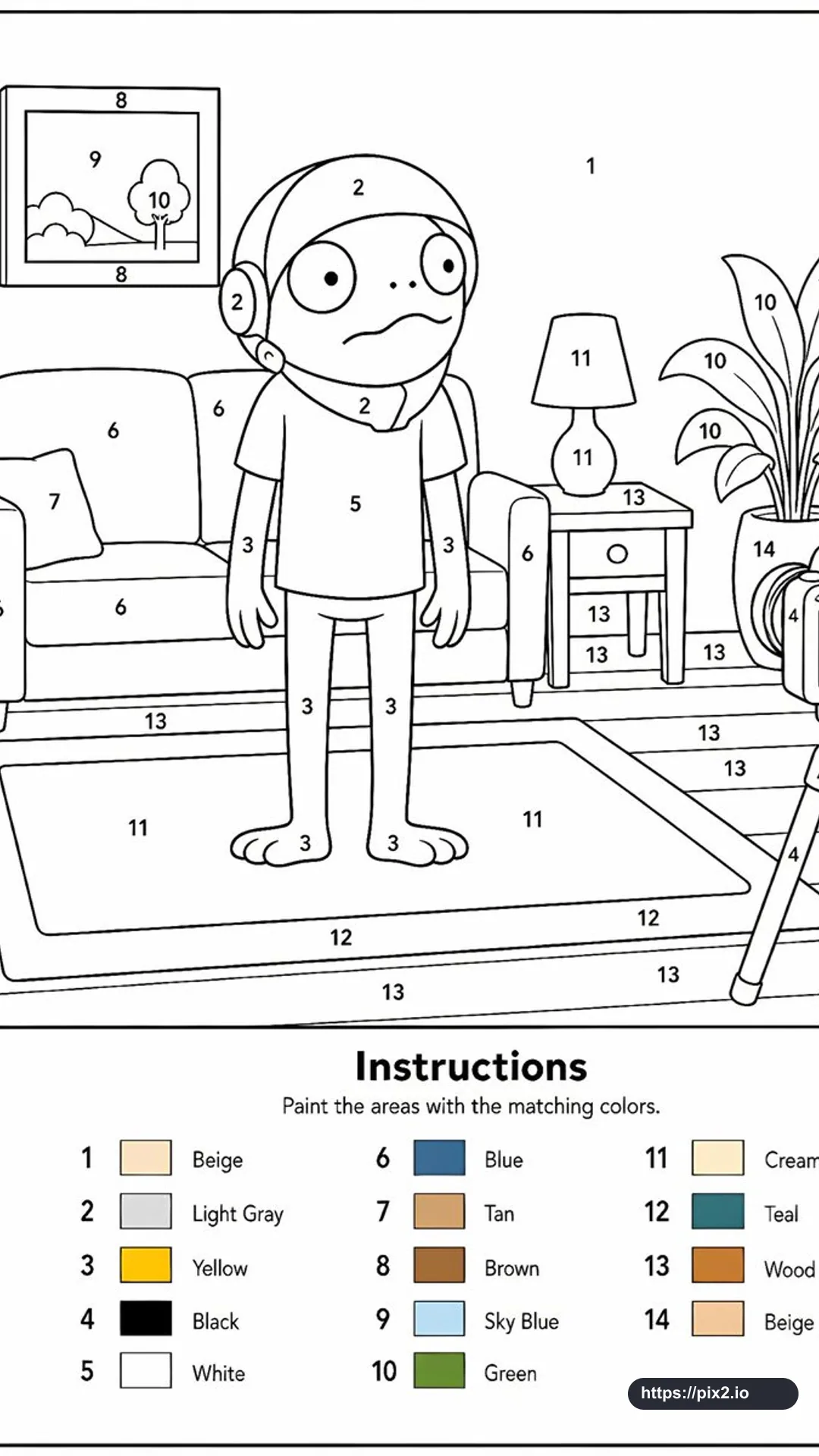 9:16 ・ 4K
 9:16
9:16 9:16
9:16 9:16
9:16