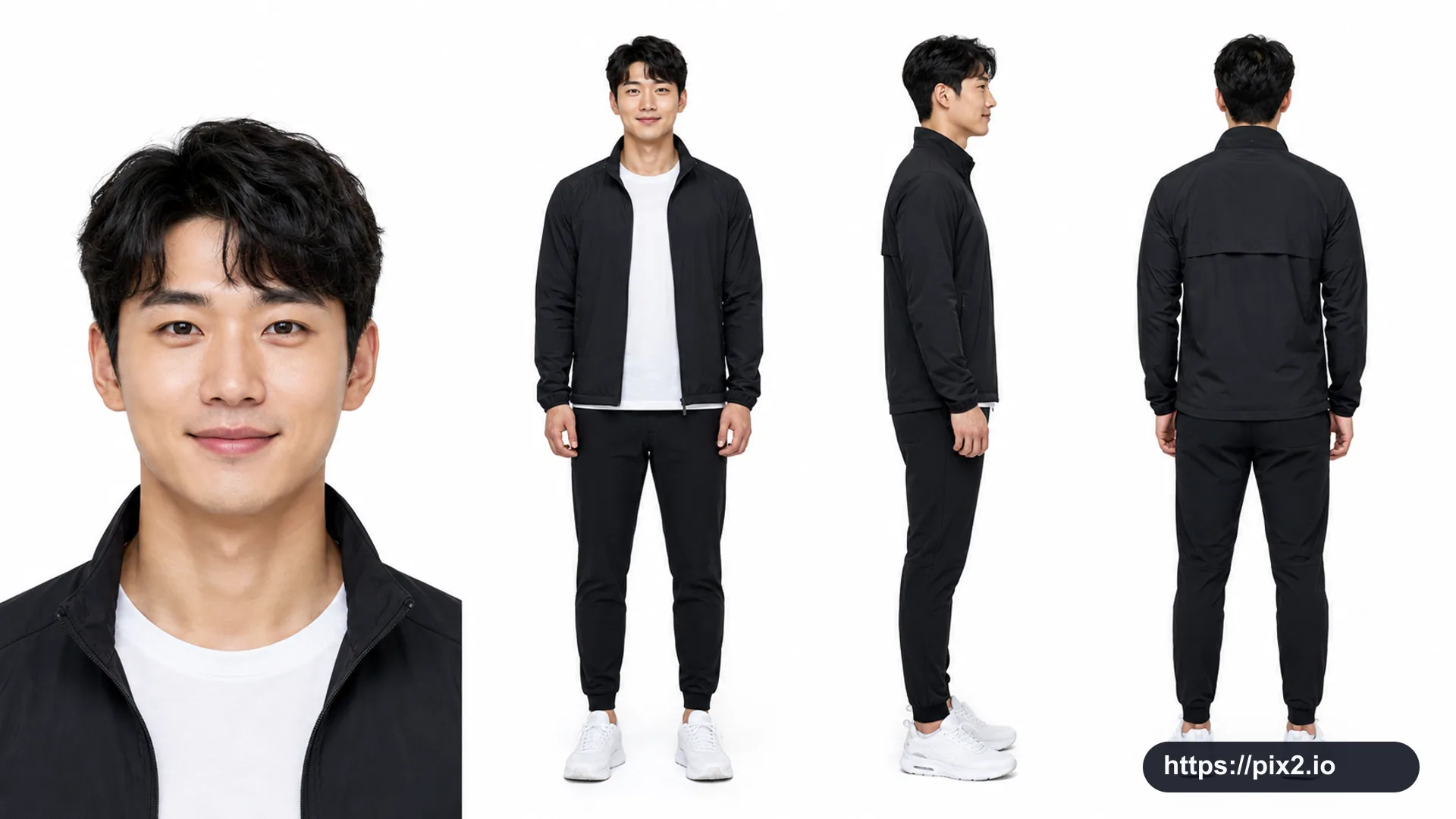
Use GPT Image 2 with two private reference images: first the person and environment photo, second the image to place on the phone screen. Then apply this edit specification:
{
"edit_type": "extreme_wide_angle_phone_edit",
"source": {
"_hint": "Base for editing the person, clothing, and atmosphere of the original image. No new characters.",
"mode": "EDIT",
"reference_images": {
"first": "base_photo_person_and_environment",
"second": "screen_content_for_phone"
},
"preserve_from_first": {
"_hint": "Preserve face, hairstyle, clothing, and environment so they remain the same person or group.",
"same_person_or_group": true,
"same_faces": true,
"same_hairstyles": true,
"same_outfits": true,
"same_environment_style": true
}
},
"identity": {
"_hint": "Keep identity consistent and make the expression a bright natural smile.",
"keep_identity_consistent": true,
"all_people_clearly_recognizable_as_original": true,
"expression": "bright_natural_smile"
},
"camera_effect": {
"_hint": "Stabilize the exaggerated perspective created when the smartphone is close to the lens.",
"perspective": "extreme_wide_angle",
"style": "dynamic_photorealistic",
"near_objects_appear_large": true,
"far_objects_recede_dramatically": true,
"allow_view_from_above_or_below": true
},
"pose": {
"_hint": "Use a pose different from the source photo, with expressive hands and natural arms.",
"pose_can_change": true,
"must_be_completely_different_from_reference": true,
"do_not_replicate_or_approximate_original_pose": true,
"style_tags": [
"stylish",
"complex",
"fluid",
"powerful"
],
"focus_on_expressive_hands": true,
"avoid_arm_distortion": true,
"allow_multiple_body_parts_near_lens": true
},
"phone": {
"_hint": "Phone settings: holding style, orientation, and natural hand position.",
"allowed": true,
"holding_styles": [
"one_handed",
"two_handed",
"low_angle",
"high_angle",
"tilted",
"sideways",
"near_chest",
"near_hip",
"casual_carry",
"partially_toward_lens"
],
"rules": {
"_hint": "Do not force the phone directly toward the camera; make the screen visible through natural holding.",
"each_person_may_hold_one_phone": true,
"priority_is_natural_and_relaxed_body_structure": true,
"do_not_force_phone_directly_toward_camera": true,
"screen_should_be_naturally_visible_when_possible": true
}
},
"screen_replacement": {
"_hint": "Replace the visible phone screen cleanly with the second reference image.",
"target": "visible_phone_screen",
"use_second_reference_image_as_content": true,
"overlay_cleanly_on_visible_screen_area": true,
"fit_without_distortion": true,
"respect_screen_shape": true,
"no_additional_cropping": true,
"ui_constraints": {
"_hint": "Do not show social-media bars, app frames, icons, or status bars.",
"no_ui": true,
"no_icons": true,
"no_status_bar": true,
"no_app_frame": true,
"show_only_content_from_second_reference": true
}
},
"environment": {
"_hint": "Preserve the reference atmosphere while allowing a versatile non-season-specific design.",
"preserve_environment_style_from_reference": true,
"lighting_consistent_with_reference": true,
"expand_space_for_wide_angle_view": true,
"keep_texture_and_color_tone_consistent": true
},
"composition": {
"_hint": "Keep the dynamic wide-angle composition readable and balanced.",
"dynamic_but_readable": true,
"extreme_depth_emphasis": true,
"allow_phone_close_to_lens": true,
"keep_all_people_visually_balanced": true
},
"constraints": {
"_hint": "Protective settings to prevent unintended changes.",
"no_new_characters": true,
"no_change_in_age_or_gender_presentation": true,
"no_costume_change": true,
"no_change_to_reference_location_type": true,
"respect_original_photographic_style": true
},
"output": {
"aspect_ratio": "16:9",
"quality": "high",
"composition": "clean",
"model_ready": "GPT Image 2"
}
}

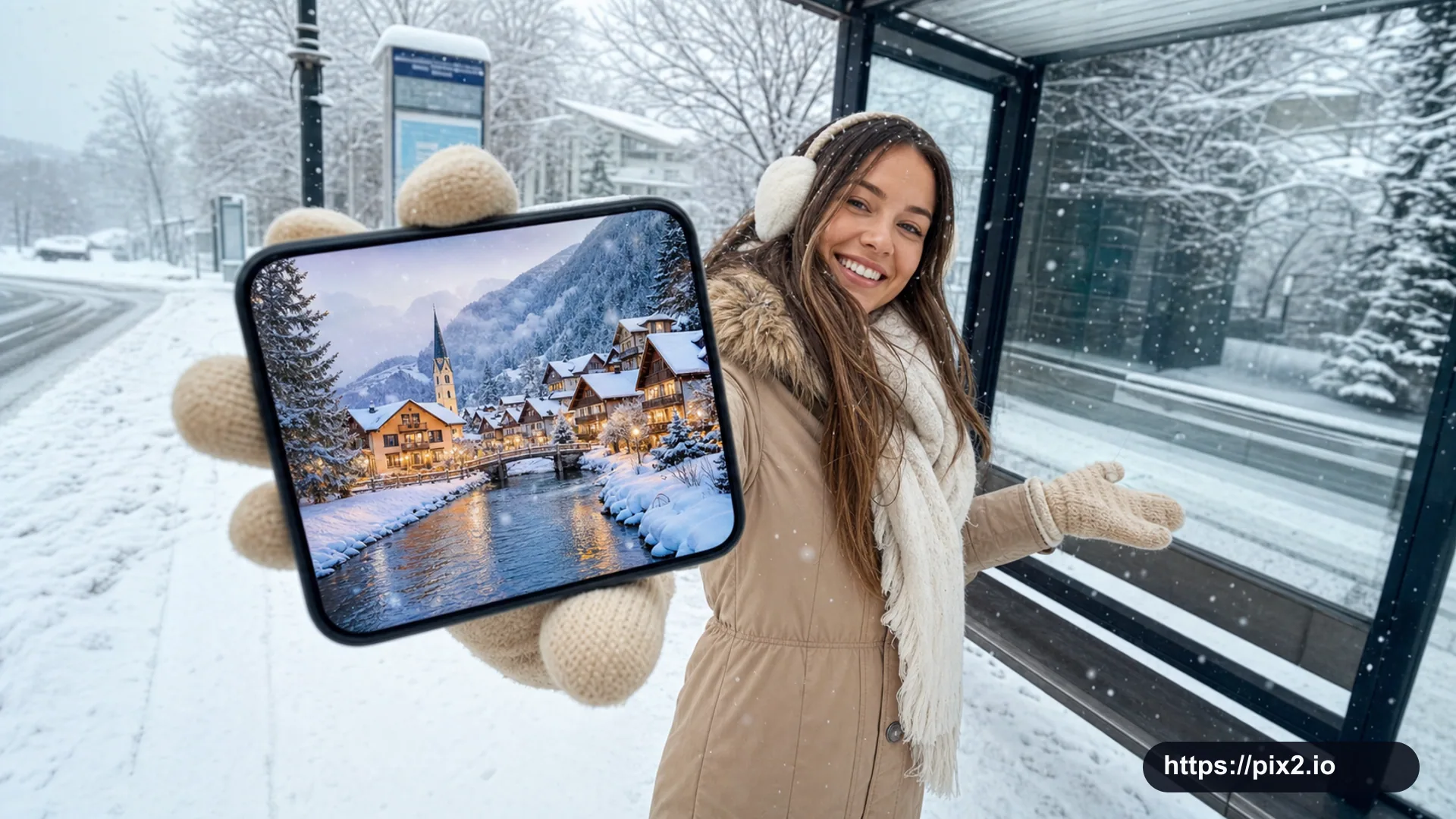 16:9 ・ 4K