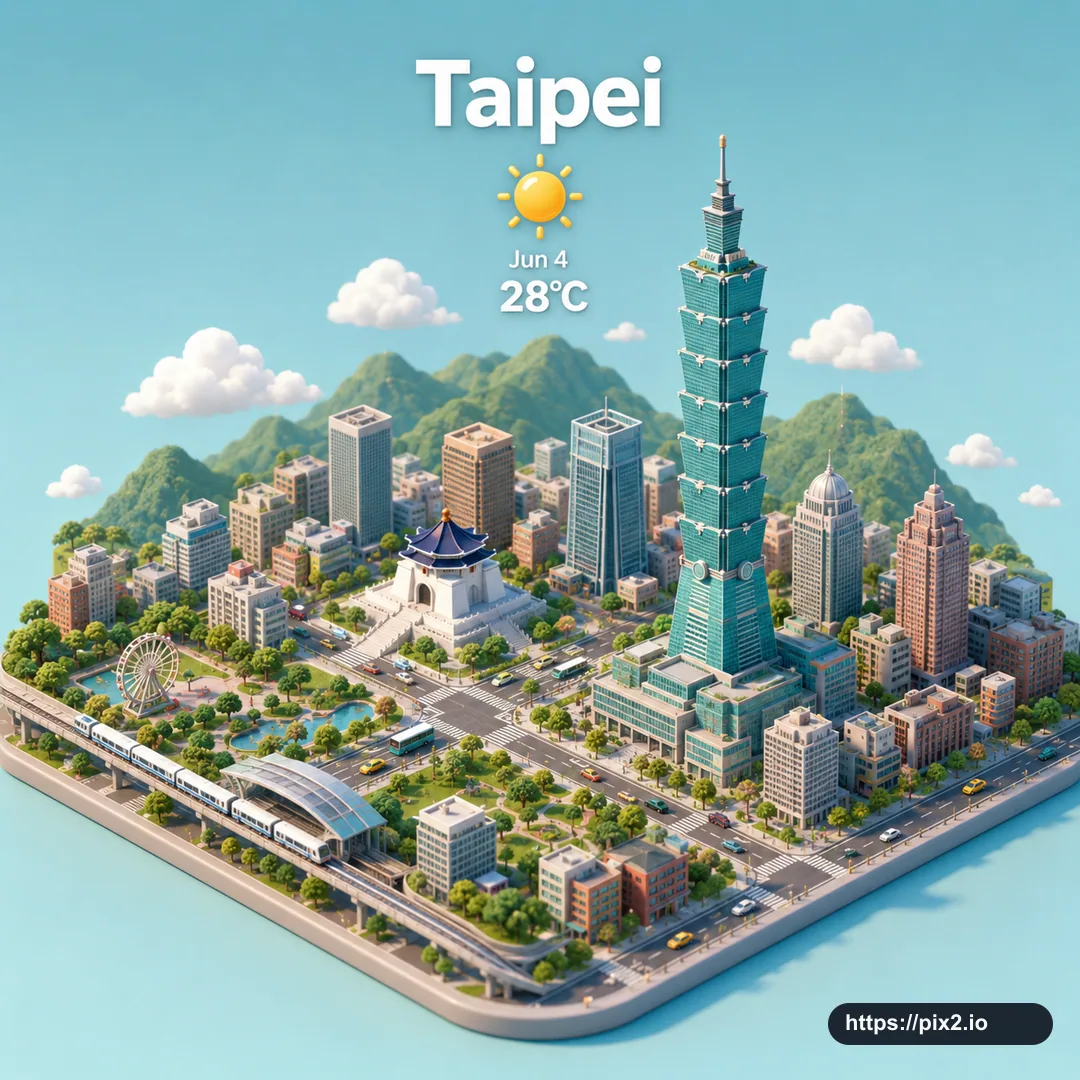
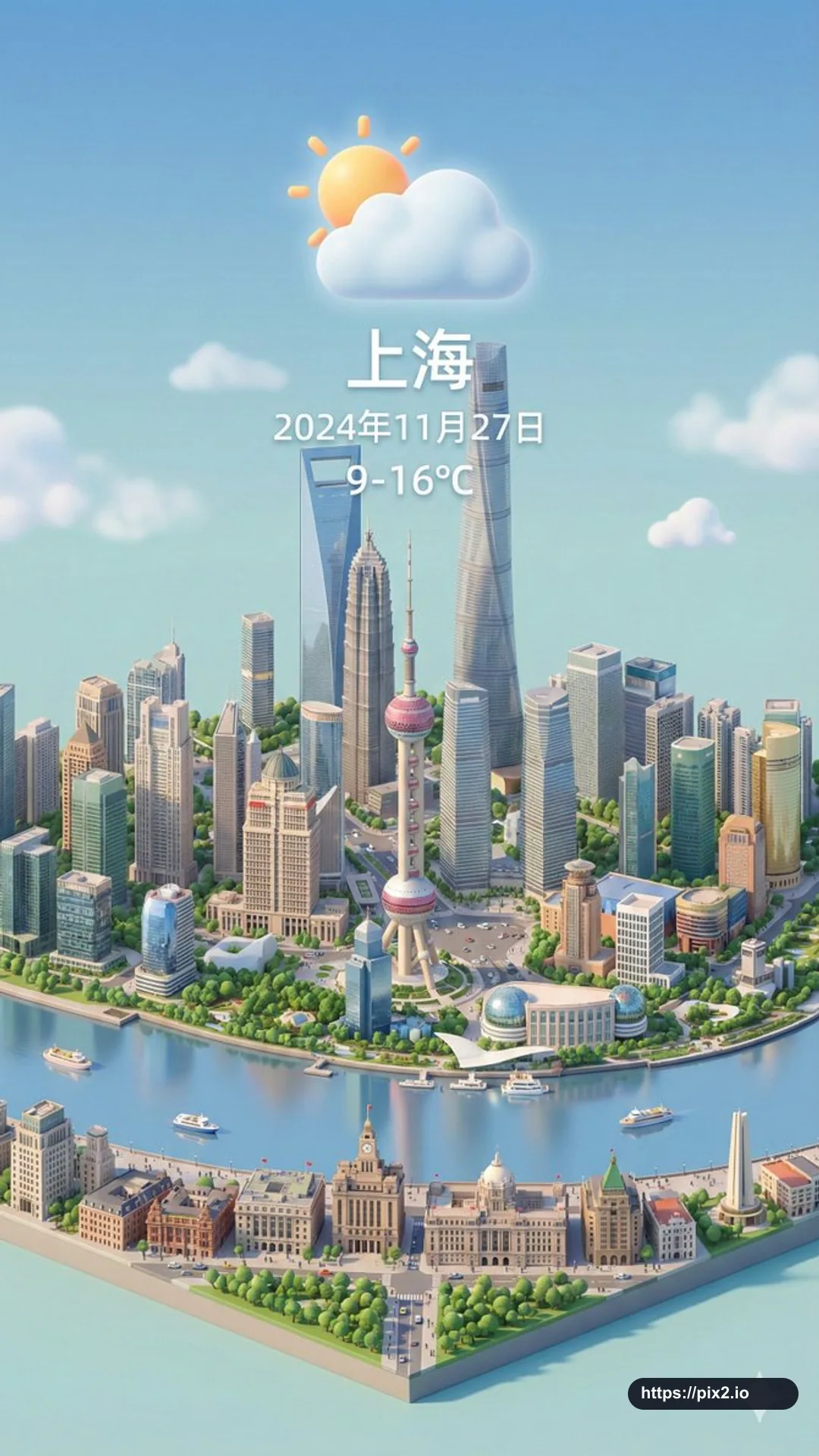
Create a vertical 9:16 isometric miniature 3D cartoon weather card for [City Name]. Use a clear 45-degree top-down view and place the iconic [Landmark] at the center of the composition as a precise, refined model. Use soft, delicate textures, realistic PBR materials, and gentle realistic light and shadow. Integrate the [Weather Icon] and weather atmosphere naturally into the city architecture so the urban landscape and atmospheric conditions interact dynamically. Use a clean unified composition, minimalist aesthetics, and a soft solid-color background to highlight the main content with a fresh, soothing visual style. At the top center, display the prominent [Weather Icon]; place [Date Text] below it in very small type and [Temperature Range] below that in medium type. Place the large [City Name] text directly above the weather icon. The weather information should have no background panel and may overlap the buildings elegantly. Match the visible text language to the city. Use only the user-provided city, date, temperature, landmark, and weather values; do not invent live weather data. Output a clean 9:16 high-quality image that is GPT Image 2 ready.

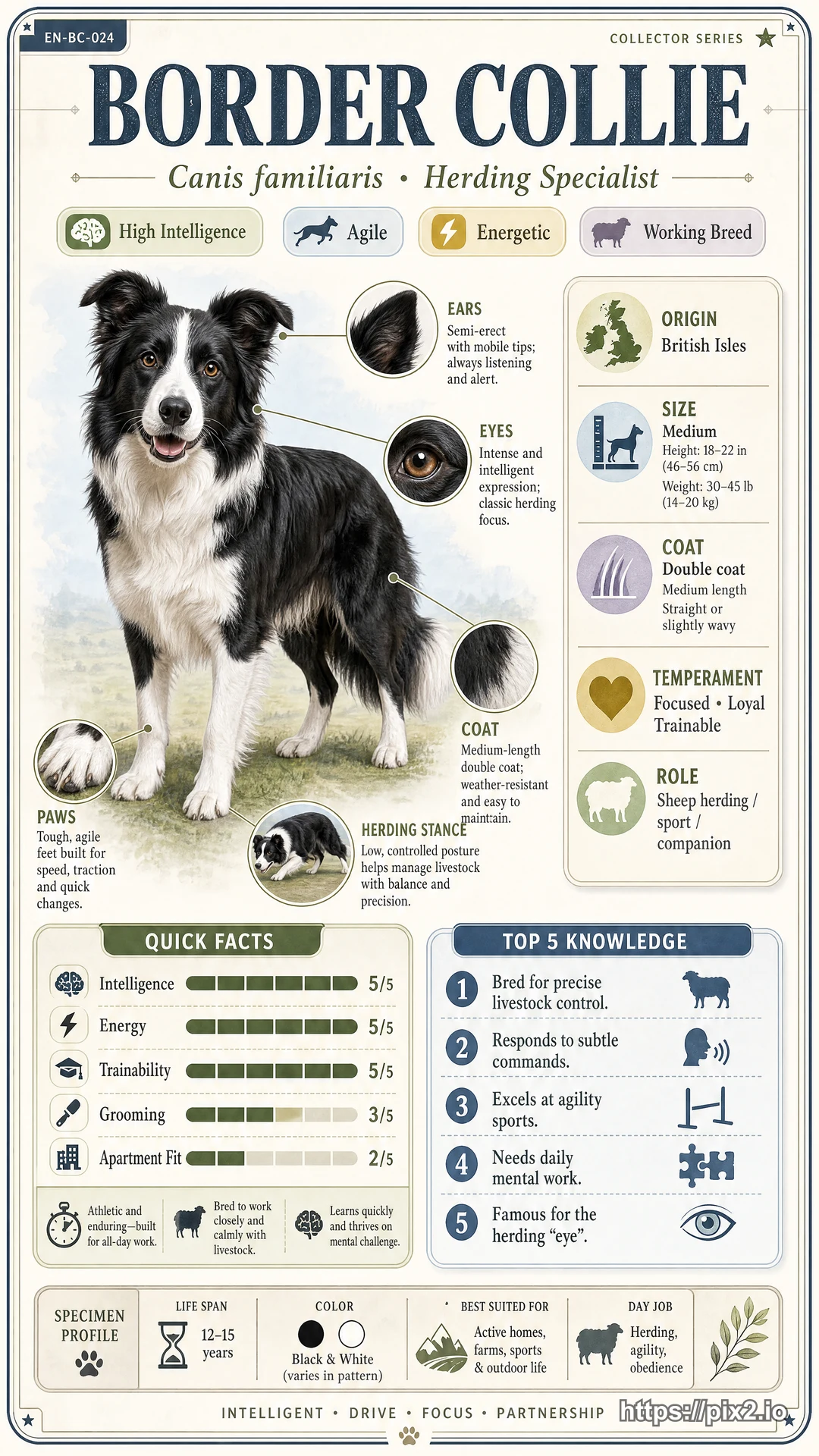
 9:16 ・ 4K