I. Overall Goal
1. Function Description: Based on the user's uploaded portrait reference image, extract the subject's temperament, makeup style, lighting, and color characteristics to create a unique fashion portrait collage.
2. Differentiation Requirements: Retain the facial structure and overall temperament of the reference person, but do not directly copy the original image. Creatively vary the makeup and composition within the same stylistic system.
II. Input Reference Image Requirements
1. Reference Content: A clear front-facing or three-quarter profile portrait photo, showing facial features, skin texture, and general lighting atmosphere.
2. Key Extraction Points: From the reference image, extract skin tone, makeup intensity (light/heavy), main color tone, lighting direction, person's temperament, and outfit color scheme.
III. Composition and Output Form
1. Main Image: Generate an ultra-close-up or close-up of the person's face. The head and shoulders should occupy most of the frame. The gaze can be designed to reflect the original image's temperament.
2. Collage Structure: On the right side or in a corner, add a collage of multiple smaller images. These can include a side profile close-up, hand close-up, or partial makeup close-up, creating a magazine layout feel.
3. Background Style: Keep the background simple and clean, primarily a solid color or a subtle brightness gradient, to highlight the person and makeup.
IV. Text and Graphic Design
1. Title Text: Place a large magazine title at the top of the image. The font should be simple yet powerful, maintaining centered or top-center alignment.
2. Subtitle and Small Text: Add a few lines of small text on one side or at the bottom of the image. Content can include theme words, the person's name, or a date. Arrange neatly with a uniform font size.
3. Geometric Shapes: Incorporate thin lines, narrow rectangular color blocks, or translucent color blocks around the person. Use them in conjunction with text to enhance the graphic design aesthetic.
V. Style Inheritance Rules
1. Color Inheritance: The overall color tone, light-dark contrast, and warm-cool temperament should closely match the reference image's style. The main color should be derived from the most prominent makeup or outfit color in the reference image.
2. Lighting Inheritance: Reference the original image's lighting direction and softness. If the original image has soft light, maintain a soft light texture. If the original image has strong contrast, retain a certain level of sharpness.
3. Makeup Inheritance: Based on the reference image's makeup characteristics (e.g., sheer, intense, experimental, natural), maintain the same style level, then introduce detailed variations in eye makeup, blush, and lip makeup.
4. Atmosphere Inheritance: Continue the emotional atmosphere of the reference image (e.g., cool, sweet, rebellious, mysterious), reflecting it in the expression and posture.
VI. Creative Variation Rules
1. Makeup Variation: Based on the reference style, add localized exaggerated treatments, such as expanding the blush area, intensifying lip smudging, or adding freckles or highlight points.
2. Composition Variation: Adjust the face angle, cropping range, and the position of the small image collage to ensure each generation has a different composition.
3. Accessory Variation: Add simple, well-designed accessories to the neck, ears, or hands. These should complement the main color scheme but not directly replicate those in the reference image.
4. Detailed Gestures: Incorporate hand actions such as touching lips, cheeks, or under the eyes, to make the image more storytelling and engaging.
VII. Overall Texture and Post-processing Style
1. Clarity: Maintain visible skin pores and details, avoiding excessive smoothing, but appropriately soften non-focus areas.
2. Tone Processing: Ensure a uniform overall color tone. Moderately reduce cluttered colors, emphasizing only the main color and a few accent colors.
3. Emotional Expression: Control the intensity of expression and gaze based on the reference image's temperament, so that the image retains its original style while possessing an independent personality.
Refer to the user-uploaded portrait photo, and automatically read the image style and create according to the above rules.
Output: 16:9 aspect ratio, high-quality image, clean composition, GPT Image 2 ready.
 16:9
16:9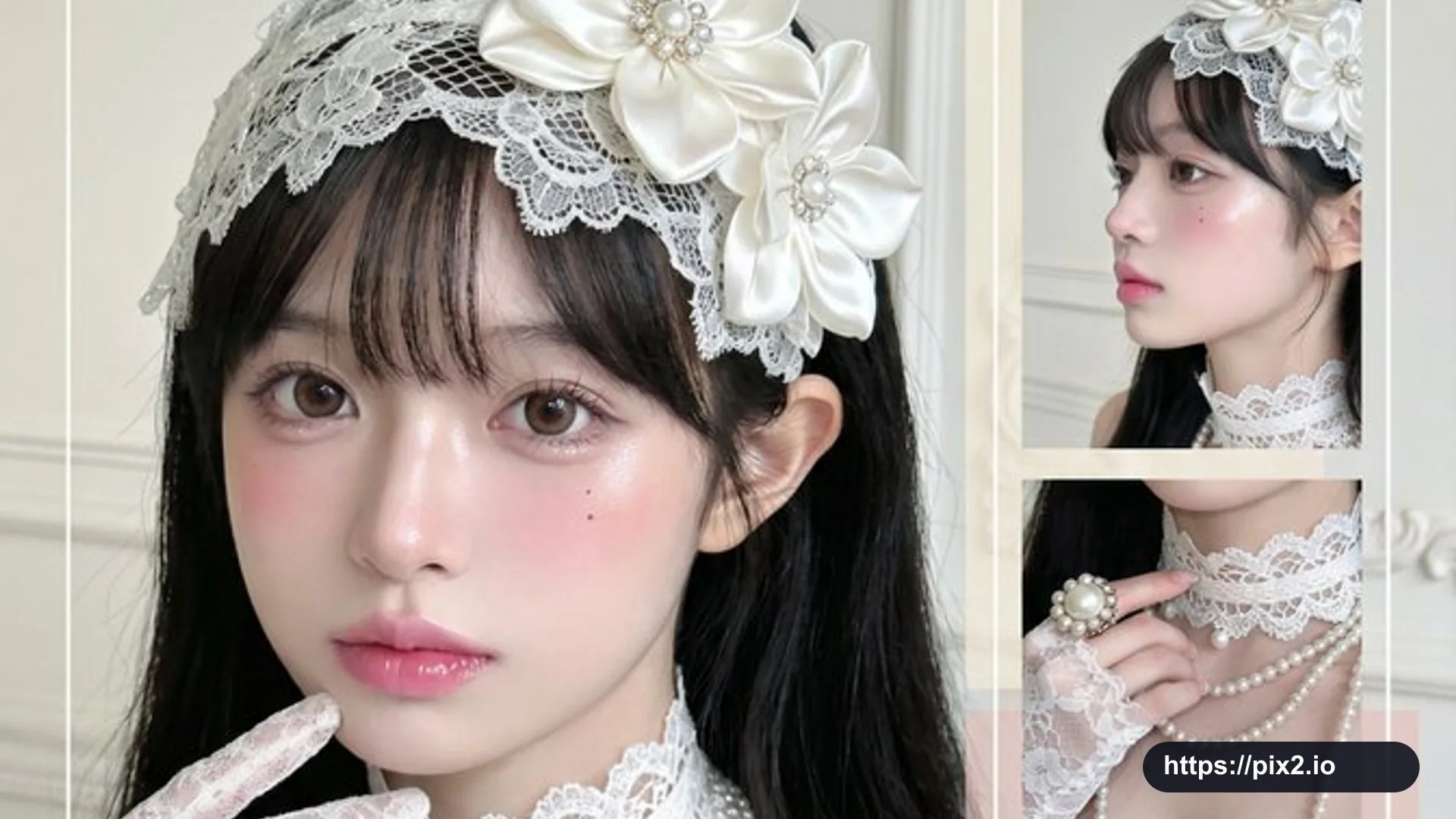 16:9 ・ 4K
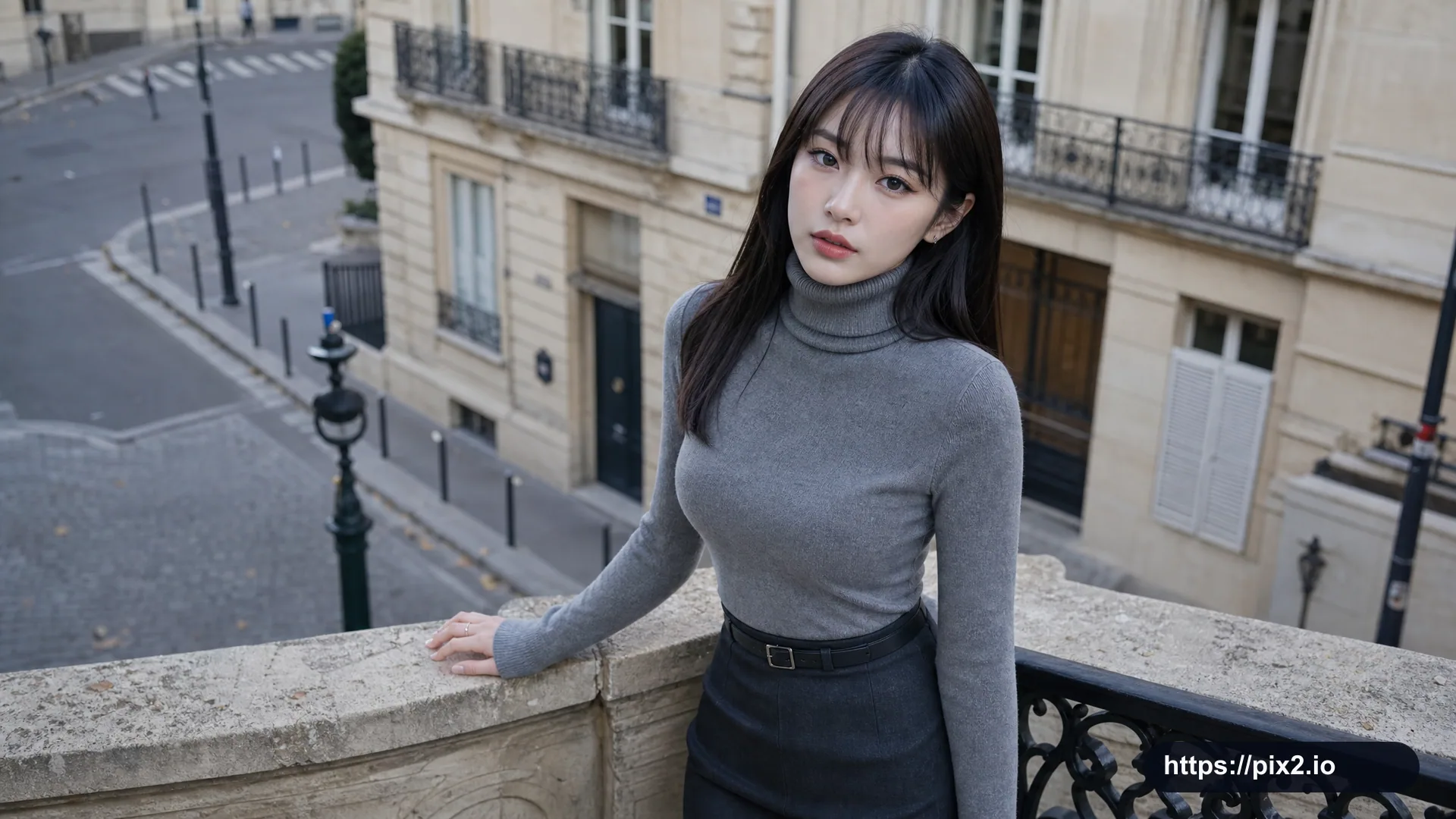 16:9
16:9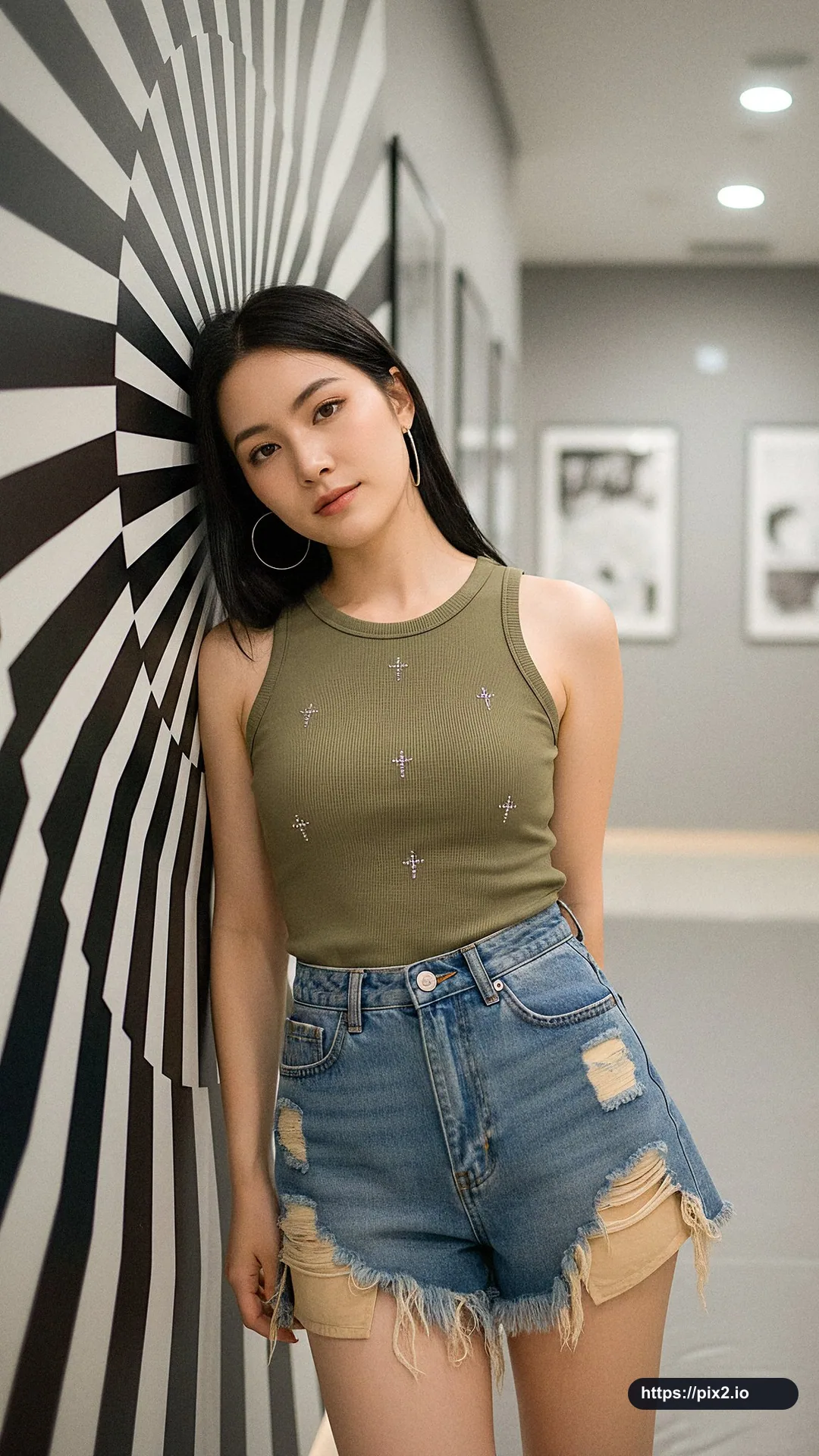 9:16
9:16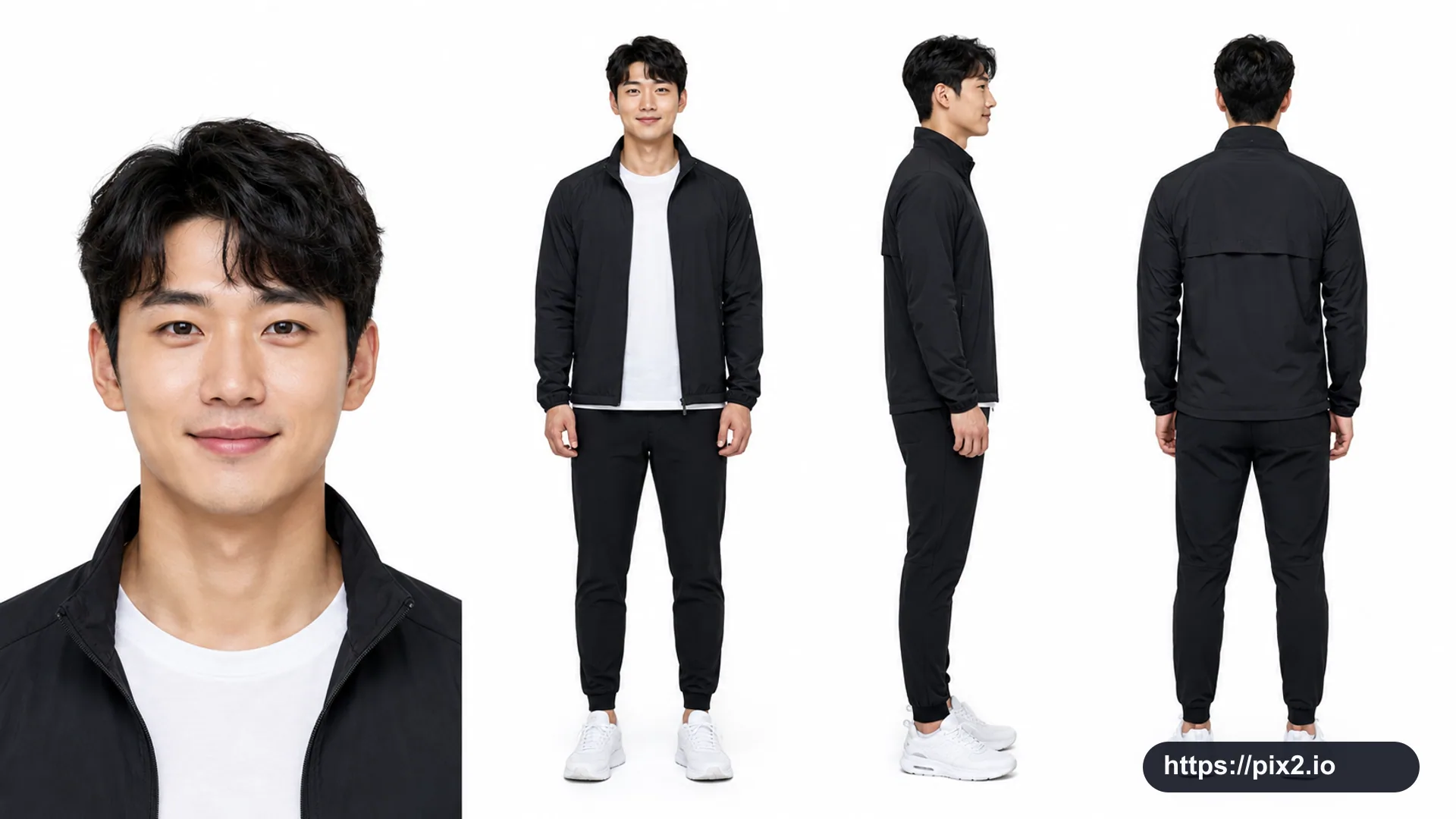 16:9
16:9