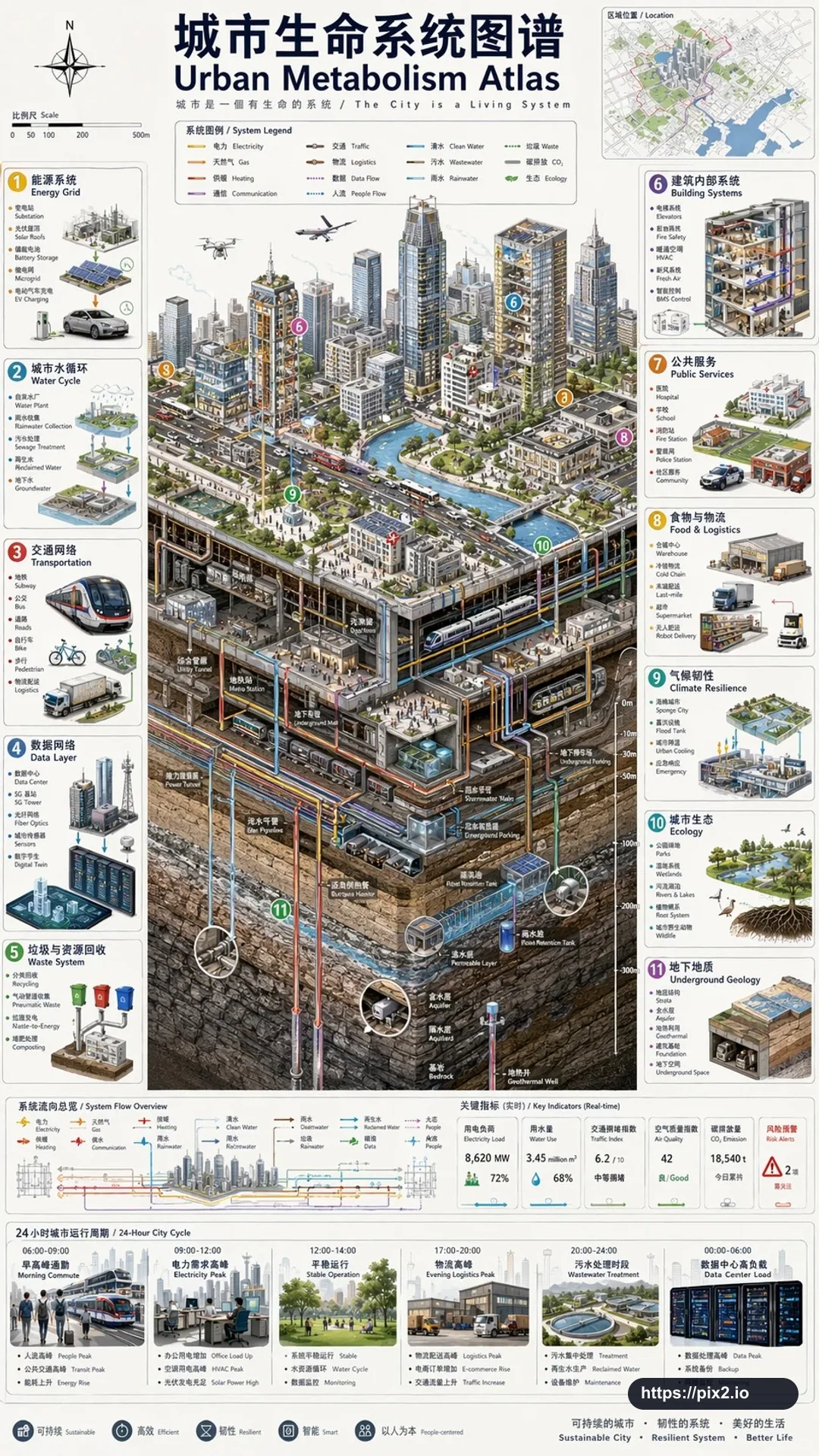
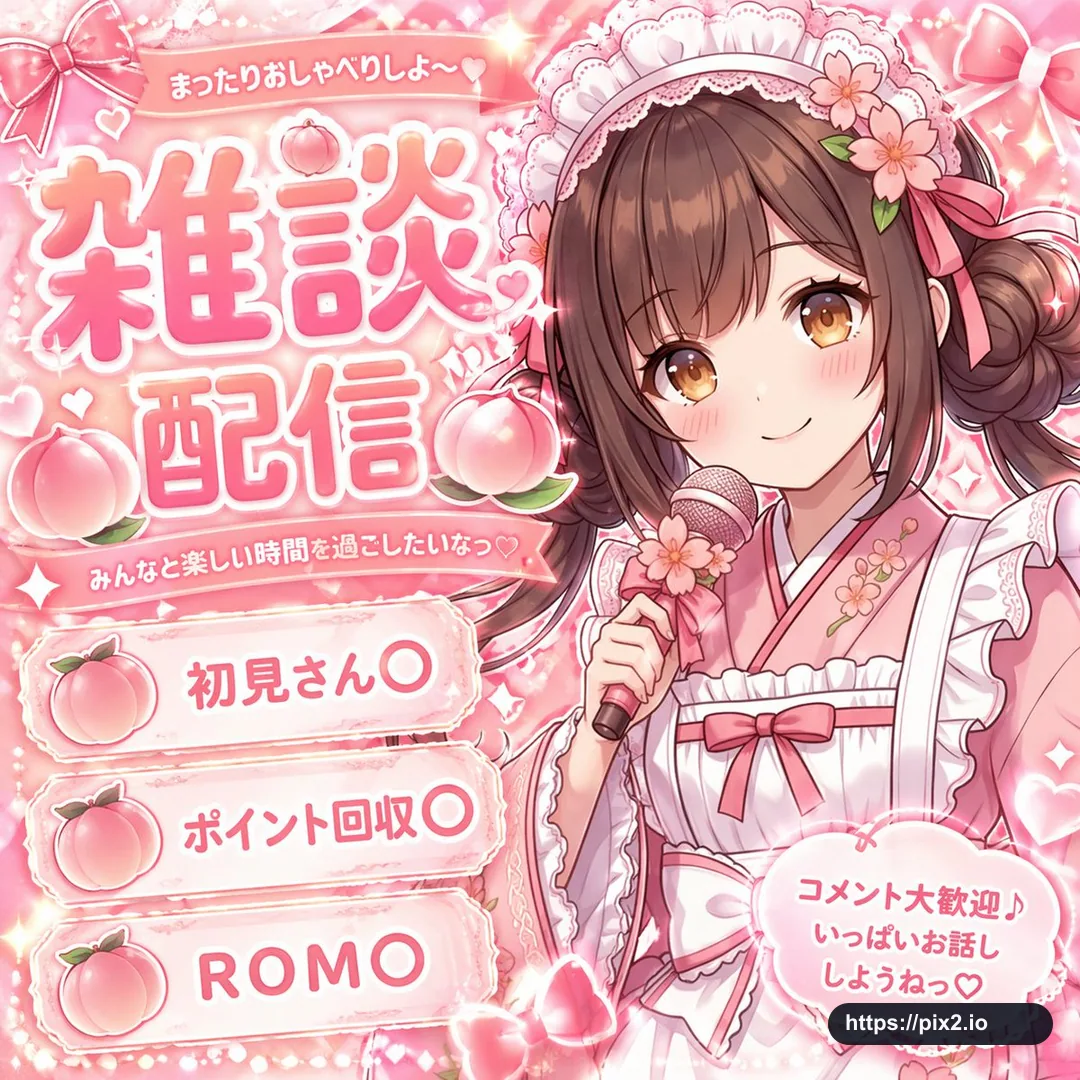
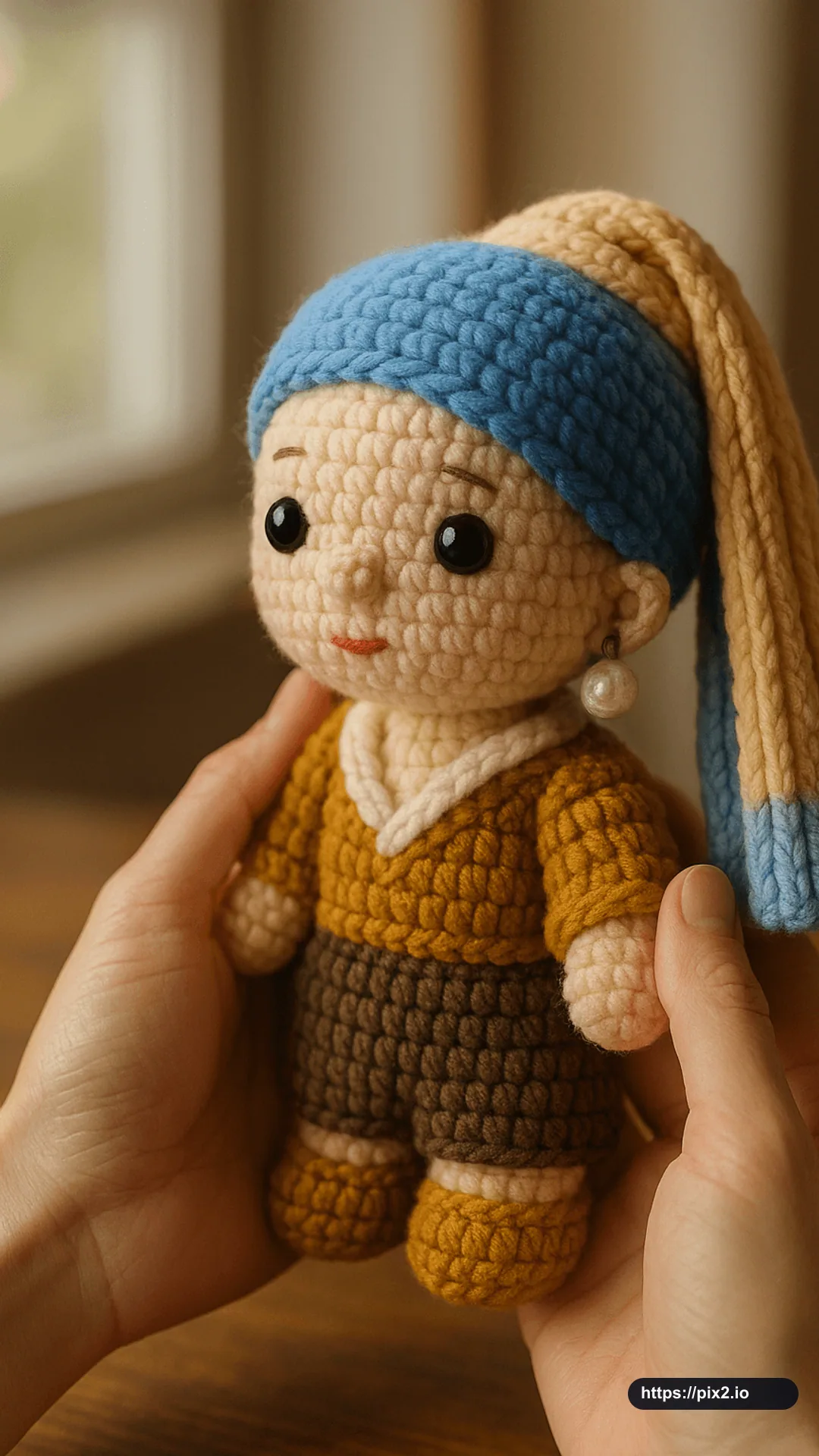
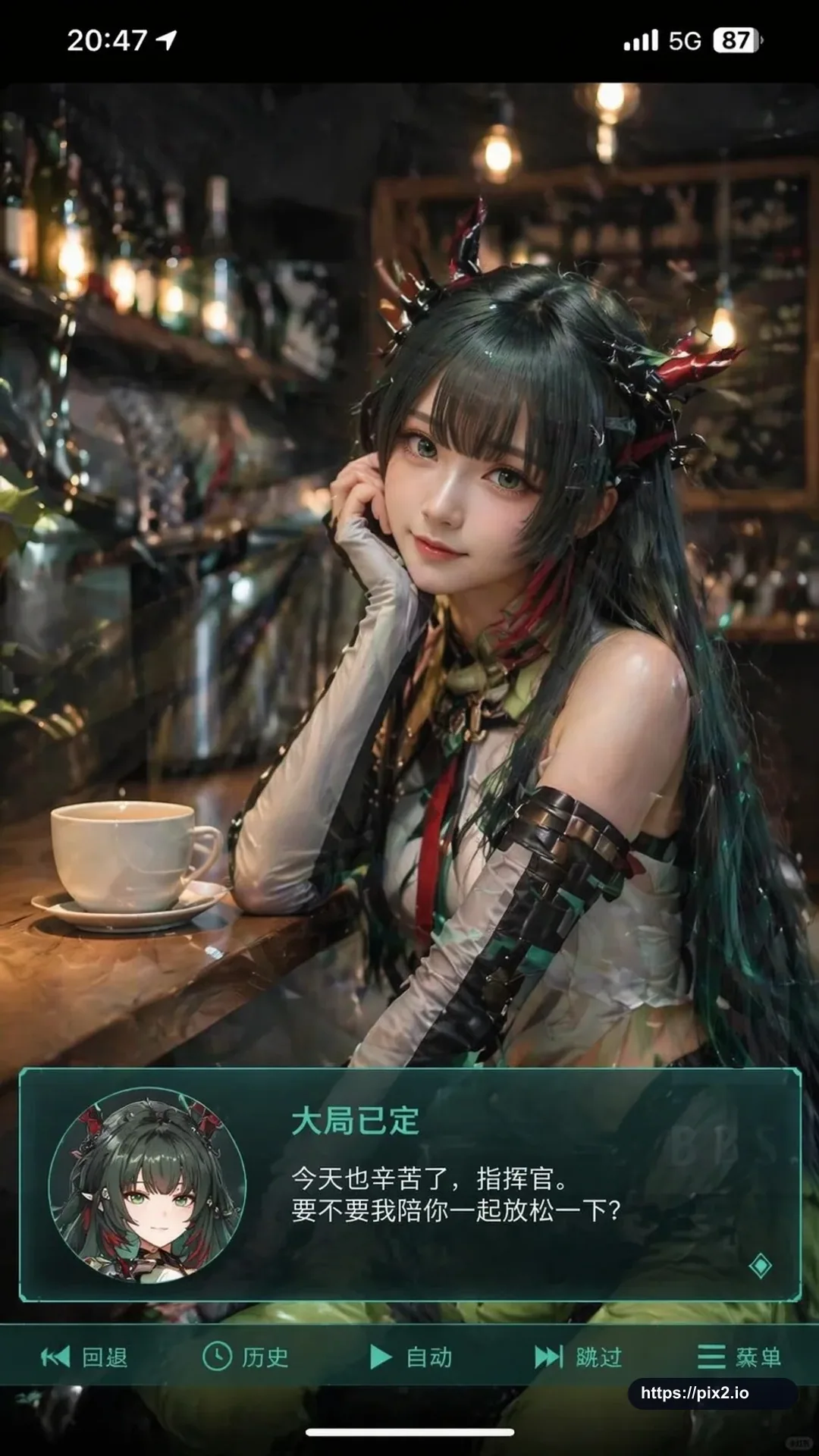
Generate a vertical mobile-screenshot style image close to a 9:16 ratio. In the upper center of the frame, show a real-person coser portraying the character from the uploaded authorized anime reference image. The person should look realistic, with slightly anime-inspired facial features, delicate skin, slightly larger eyes, and a gentle expression looking toward the camera.
Place the coser in an indoor casual setting such as a cafe or bar counter, with scene-appropriate props in the background. Add a mobile system status bar at the top, including time, battery, signal, and network icons, so the whole image feels like a phone screenshot. At the bottom, overlay a wide semi-transparent visual-novel style dialogue box. On the left side of the dialogue box, place an anime or chibi avatar matching the person in the image. On the right side, set text layout with the same character name in a larger first line, followed by one or two lines of gentle healing-style Simplified Chinese dialogue that fits the character personality. Add a small operation bar below the dialogue box, inspired by visual-novel UI controls.
Keep the whole style high-definition, richly detailed, softly lit, and naturally blended between anime character design and real-person photography. Avoid real app logos, unauthorized protected character copying unless licensed, extra watermarks, unreadable text, distorted faces, broken hands, awkward UI spacing, cropped dialogue boxes, and low-resolution artifacts.

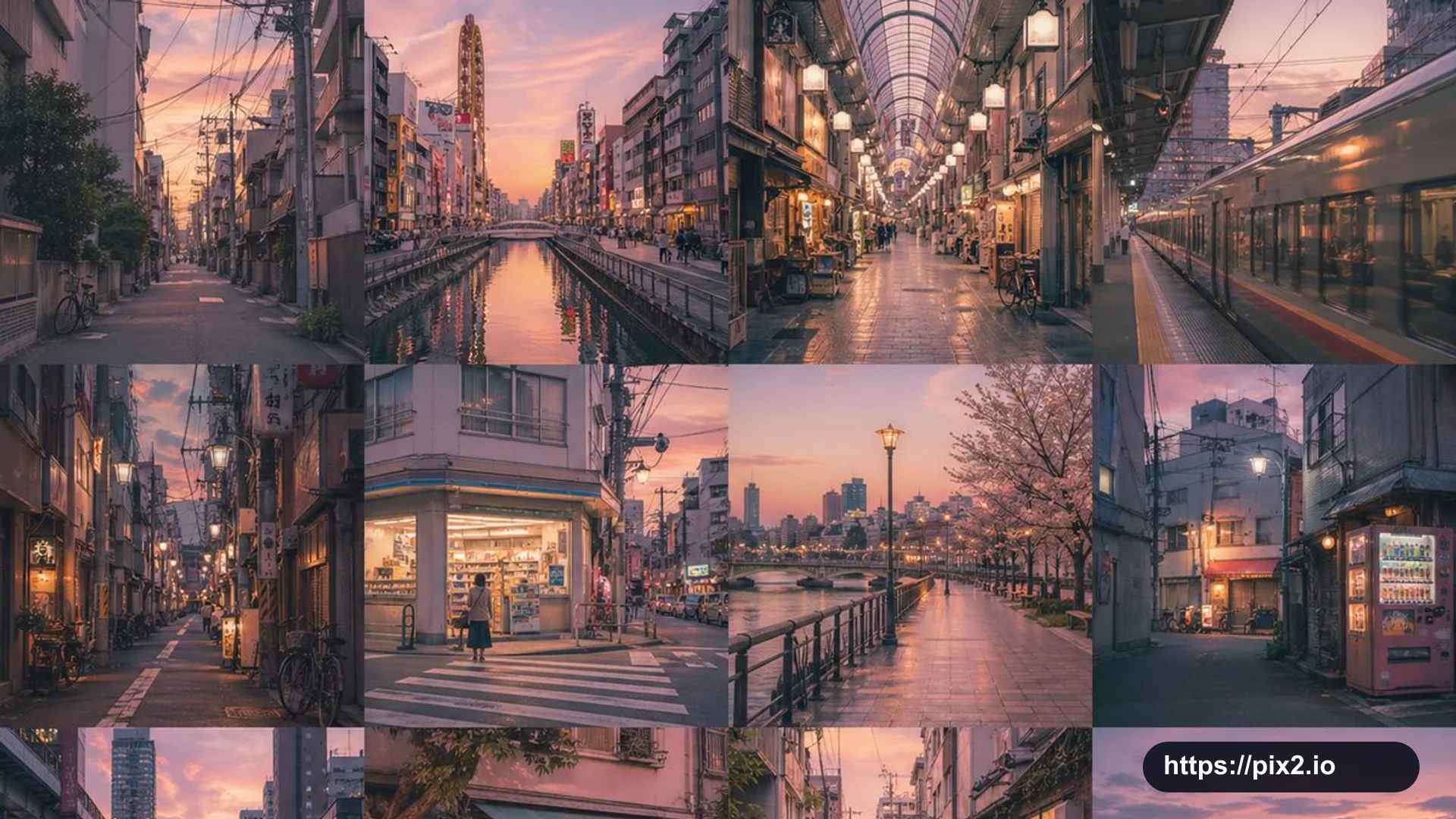
 9:16 ・ 4K